
Download Swipewipe
Make room for
what matters.
Your camera roll, one swipe at a time. Get Swipewipe for your phone or tablet and start with last month.
iPhone & iPad
Swipewipe: Photo Cleaner

iOS 18.0 or later
Android
Photo Cleaner: Swipewipe

Android 8.0 or later · Phones & tablets
Ready when you are
Your first cleanup starts here.
Open your library
Launch Swipewipe and allow full access to your photos so the app can show your library and remove the items you choose.
Start with one list
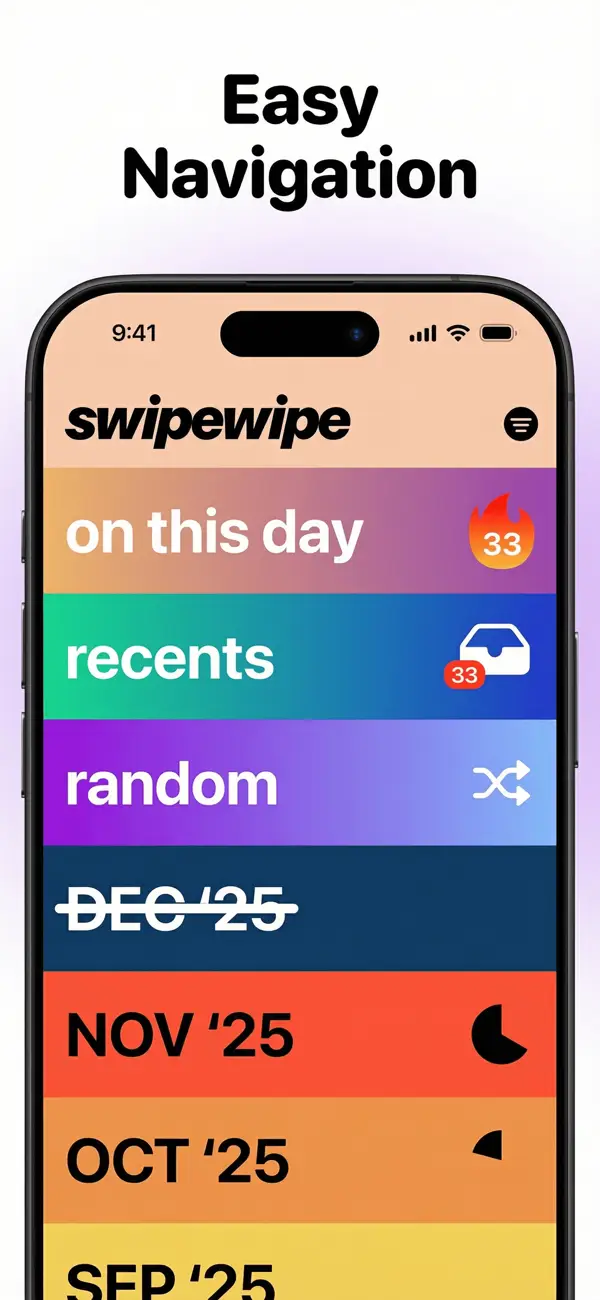
Open Recents or last month. Swipe right to keep a photo, left to mark it for deletion.
Review, then confirm
Check your choices at the end of the list. Nothing is removed until you confirm the deletion.
Questions & answers
Before your first swipe.
Can I use Swipewipe for free?
Yes. You can download and use Swipewipe for free, with ads and a limited number of swipes. When you reach the limit, a countdown starts before you can continue. A subscription removes the ads and swipe limits and unlocks extra features. Prices and terms are shown in the app before you subscribe.
Which languages are available?
Swipewipe is available in 12 languages on both platforms, including English, French, German, Spanish, Japanese and Korean. On iPhone and iPad, you can also choose your language in the app settings.
Are the features the same on iPhone and Android?
Both versions let you swipe through your camera roll and review your choices before deleting. Some extra features, including AI photo enhancement and Supercut, are currently available only on iPhone and iPad. Explore the features.
Why does Swipewipe need full photo access?
Full access lets Swipewipe show your camera roll and delete the photos and videos you choose. You still review and confirm your choices before deletion.
Where can I download Swipewipe?
Use the App Store or Google Play links on this page. This website does not provide an APK or a separate installation file.
How do I manage my subscription?
Your subscription is managed through the store where you subscribed. See the subscription help for instructions on managing or cancelling it.
A question before you start?
Find answers about Swipewipe, your photos and your subscription.